Content Planning • Notion AI • 2026
Content Calendar Template (AI-Ready) for Notion AI
A good content calendar is more than dates and titles. In 2026, the best calendars are “AI-ready”: they store the right context so Notion AI
can generate ideas, briefs, outlines, and drafts that actually match your brand.
If you’ve ever tried to stay consistent with content, you already know the real problem: it’s not writing a post once.
It’s staying consistent for weeks, while your business, life, and priorities keep changing.
That’s why a content calendar template works best when it acts like a system. And when you make it
AI-ready in Notion, it becomes a system that doesn’t just track content—it helps you produce it.
Your calendar stores enough context (audience, goal, angle, key points, CTA, keywords, references) so Notion AI can generate
high-quality drafts without you rewriting everything.
Why use Notion AI for a content calendar?
Notion is already great for organizing content. The difference with Notion AI is speed: it can help you turn a topic into an outline,
convert notes into a draft, rewrite sections, generate variations, and tighten messaging. The calendar becomes a “content pipeline”
rather than a static schedule.
The key is setting up the database correctly. If your database only has “Title” and “Date,” AI has nothing to work with.
When you add the right properties, AI suddenly becomes useful in a practical way.
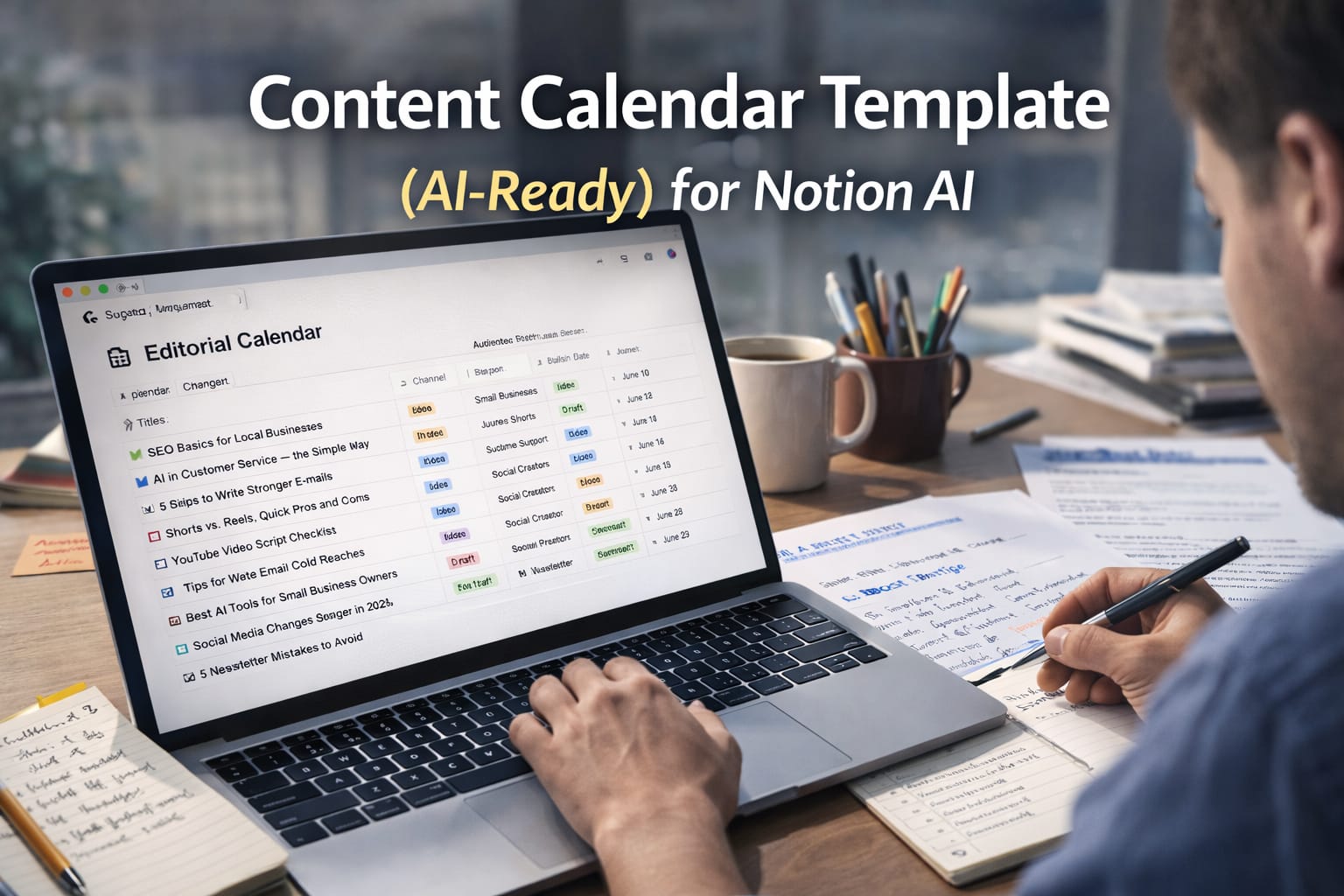
The AI-ready Notion content calendar template (structure)
Below is a clean template structure that works for blogs, YouTube scripts, shorts/reels, newsletters, and social posts.
You can start simple and expand later. The goal is clarity, not complexity.
Database name
Use a name that matches your workflow, like Content Pipeline or Editorial Calendar.
This makes it easier to reuse across months and campaigns.
Views you’ll actually use
Create a Calendar view for scheduling, a Board view grouped by status, and a List view for quick edits.
Most creators end up living in these three views.
Core properties (keep these)
These properties give Notion AI the context it needs to generate content that doesn’t feel generic.
Keep the language simple and consistent.
| Property | Type | Why it matters |
|---|---|---|
| Title | Title | The content piece name. Keep it specific, not vague. |
| Publish Date | Date | Your schedule. Simple. |
| Status | Select | Idea → Brief → Draft → Edit → Scheduled → Published. |
| Channel | Multi-select | Blog, YouTube, Shorts, Instagram, Newsletter, LinkedIn. |
| Audience | Text | Who this is for. This is where AI tone starts. |
| Goal | Select | Educate / Lead / Sell / Engage / Update. |
| Main Keyword | Text | Keeps SEO focused without keyword stuffing. |
| Angle | Text | The unique viewpoint. Prevents generic writing. |
| Key Points | Text / Long text | 3–6 points. AI uses this as the real backbone. |
| CTA | Text | What should the reader do next? Contact, subscribe, download, buy. |
Inside each content item: the page layout that makes AI useful
In Notion, each database item is also a page. This is where you guide Notion AI.
Keep a consistent layout so you don’t start from zero every time.
PAGE TEMPLATE (paste into each content item)

1) Brief (5–8 lines)
- Audience:
- Goal:
- Angle:
- Main keyword:
- CTA:

2) Notes / Sources
- Bullet notes, links, reference points (your words)

3) Outline
- H2/H3 headings

4) Draft
- The actual content goes here

5) Distribution
- Short social post variants + hashtags
- Newsletter snippet
- Internal link ideas
Copy-paste Notion AI prompts (built for human tone + SEO)
These prompts are designed to produce content that sounds natural. They force clarity and reduce the “AI generic” problem.
Replace the placeholders and run them inside the page where your brief and notes already exist.
PROMPT 1 — Generate topic ideas from your niche:
Generate 25 content ideas for {CHANNEL} for the next 30 days.
Niche: {NICHE}
Audience: {AUDIENCE}
Goals: {GOAL}
Tone: clear, human, practical (no robotic wording)
Include: a working title + a 1-line hook + suggested main keyword for each idea.


PROMPT 2 — Turn an idea into a strong brief:
Create a content brief for this title: {TITLE}
Include: audience, goal, angle, main keyword, secondary keywords, CTA, and a 10-heading outline.
Keep headings specific and search-intent driven. Avoid generic phrases.


PROMPT 3 — Draft section-by-section (best quality):
Write the introduction (200–280 words) for the brief above.
Tone: human, direct, professional.
Add one realistic example.
Do not use fluff like “In today’s world” or “Moreover”.

Then write Section 1 (250–350 words) with short paragraphs.
Finish with a clear next step for the reader.


PROMPT 4 — Improve SEO without ruining tone:
Review this draft and improve SEO naturally.
- Keep the same voice
- Add internal linking suggestions (3)
- Suggest a meta title and meta description
- Improve headings for clarity
Do not keyword-stuff and do not add long lists.


PROMPT 5 — Distribution pack:
Create:
- 2 LinkedIn post versions (professional, simple)
- 2 Instagram caption versions (short + punchy)
- 1 newsletter intro (80–120 words)
All should match the tone and key points of the blog.
After Notion AI drafts a section, add one real detail from your experience: a mistake you’ve seen, a quick result, or a personal recommendation.
That single detail makes the writing feel real.
How to plan 30 days of content in one sitting
If you want a practical routine, do this once per month. Create 30 items in your database and set rough publish dates.
Don’t aim for perfection. Aim for a pipeline: you can always refine as you go.
The easiest approach is to rotate content types: one educational post, one “how-to,” one case study or example, one opinion/insight,
and one promotional post. That rotation keeps your feed balanced and stops you from repeating the same angle every week.
Mistakes that quietly break your content calendar
Most calendars fail because they become too complicated. People add too many properties, too many views, and too many rules.
The system starts feeling heavy, so they stop using it.
Another common problem is writing titles that are too broad. “AI in business” is not a usable content item.
“How small businesses can use AI to reply to customers faster” is usable. If your titles are specific, the calendar runs smoothly.
FAQ
Is Notion AI enough for full blog writing?
It can be, if your brief and notes are strong. The quality comes from the inputs. If you give Notion AI real context,
it can produce drafts that need only light editing.
How many properties should my content calendar have?
Start with 8–10. If a property doesn’t help you decide, write, publish, or measure, remove it. A simple system that you use
beats a complex system you avoid.
Can I use this template for YouTube and Shorts?
Yes. Use “Channel” to tag platforms, and add “Script type” or “Hook” fields if needed. The same brief structure works:
audience, goal, angle, key points, CTA.
How do I keep my writing from sounding AI-generated?
Add real examples, write section-by-section, and keep your angle specific. Then do one human edit pass to remove generic lines.
AI drafts faster; you provide voice and judgement.