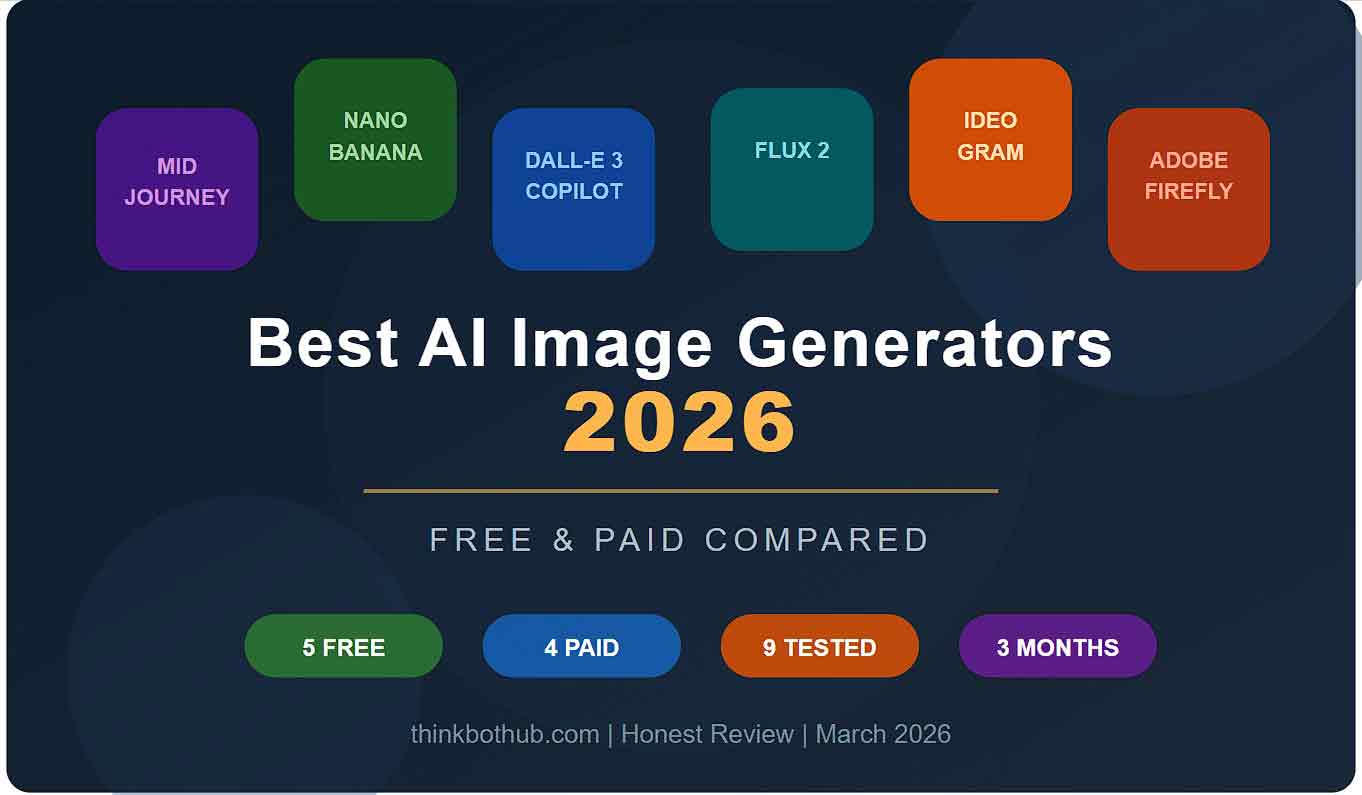
Best AI Image Generators 2026 — Free & Paid Compared
Honest breakdown of the top AI image tools for bloggers, creators, business owners, and designers — from fast free generators to premium creative platforms worth paying for.
Best AI Image Generators 2026 — Free & Paid Compared
I’ll be honest with you. Six months ago, I was still using Canva templates and stock photos for everything. Blog thumbnails, social media posts, client presentations, all of it looked the same. Then I started playing around with AI image generators, and I haven’t opened a stock photo website since.
But here’s the problem nobody talks about: there are way too many options now. Every week there’s a new tool claiming to be the “best AI image generator ever.” I got tired of reading the same recycled reviews, so I decided to actually test these tools myself. I spent the last three months using each one for real projects, blog graphics, YouTube thumbnails, product mockups, even festival posters for a friend’s business.
This guide is everything I learned. No fluff, no sponsored rankings, just an honest breakdown of which AI image generators actually deliver in 2026, which ones are free, and which paid ones are actually worth your money.
What We’re Going to Cover
I’ve split this guide into sections so you can jump to what matters to you. We’ll look at the best free options first, then move to paid tools, and finally I’ll give you my honest recommendation based on what you actually need the images for.
- Why 2026 Is a Completely Different Game
- Best Free AI Image Generators in 2026
- Best Paid AI Image Generators in 2026
- Head-to-Head Comparison
- So Which One Should You Use?
- 5 Tips That Actually Improved My AI Images
- Mistakes I Made
- Will AI Image Generators Replace Graphic Designers?
- Final Thoughts
- Frequently Asked Questions
Why 2026 Is a Completely Different Game
If you tried AI image generators back in 2023 or 2024, you probably remember the weird fingers, melted faces, and text that looked like alien languages. I certainly do. My first attempt with an early version of DALL-E gave me a cat with seven legs. Not exactly portfolio material.
Fast forward to 2026, and things have changed dramatically. The latest generation of models can handle realistic skin textures, accurate lighting, proper text rendering inside images, and even consistent character faces across multiple images. That last one is huge if you’re building a brand or creating series content.
A few major shifts happened this year that are worth knowing about:
- Google entered the race aggressively. Their model, internally called Nano Banana and officially Gemini 2.5 Flash Image, has been blowing people’s minds with its photorealism and speed. It’s free to use through Google’s AI Studio, which is a big deal.
- Text rendering finally works. Tools like Ideogram and GPT Image have gotten scary good at putting readable text inside images. This means you can create posters, thumbnails, and social media graphics without opening Canva.
- Open-source caught up. Flux 2 and Stable Diffusion models are now genuinely competitive with paid tools if you’re willing to set them up locally.
- Midjourney is still the “pretty pictures” king, but it’s no longer the only option that produces professional-quality output.
Best Free AI Image Generators in 2026
Let’s start with the tools that won’t cost you a single rupee. I’m genuinely surprised at how good some of these have become.
1. ChatGPT (GPT Image 1.5), Best Free All-Rounder
I know, I know, everyone and their grandmother is using ChatGPT for images now. My LinkedIn feed is flooded with those same-looking illustrations. But hear me out: there’s a reason it’s everywhere.
ChatGPT’s image generation is absurdly easy to use. You literally just tell it what you want in plain English or Hindi, and it gives you something decent within 10 to 15 seconds. No complicated prompts, no parameter tweaking, no learning curve.
Where it really shines is text rendering. If you need a poster that says “Flat 50% Off, Diwali Sale” with clean, readable text, ChatGPT nails it almost every time. I’ve been using it for my blog thumbnails and quick social media graphics.
The honest downside: everything looks the same. I’m serious. There’s this very specific ChatGPT illustration style that you can spot from a mile away. Soft colors, clean lines, slightly cartoonish people. If you scroll through LinkedIn or Twitter, you’ll see what I mean. It’s becoming the new clip art.
- Price: Free with ChatGPT (limits apply). Unlimited with ChatGPT Plus ($20/month).
- Best for: Quick social media graphics, text-heavy images, blog thumbnails, posters.
- Not great for: Photorealistic photos, unique artistic styles, brand differentiation.
2. Google’s Nano Banana (Gemini 2.5 Flash Image), The Surprising New King
Okay, this is the one that caught me completely off guard. I wasn’t expecting much from Google’s image generator, their previous attempts were, let’s say, forgettable. But Nano Banana is genuinely impressive.
The photorealism is the first thing that hits you. When I generated a portrait with this model, I had to zoom in to convince myself it wasn’t a real photograph. The skin texture, the way light plays on hair, the subtle imperfections, it gets all of that right. I showed one of my generated images to a photographer friend, and he thought it was from a professional shoot.
The other thing I love is that it can edit images too. So you generate something, and then you can say “make the background blue” or “remove the person on the right” and it does it without breaking the rest of the image. That workflow is incredibly efficient.
What bugs me: access is still a bit confusing. You can use it through Google’s AI Studio for free, but the interface isn’t as clean as ChatGPT. It feels more like a developer tool than a creative tool. Also, Google’s content policy is quite strict, it refuses to generate certain types of images that other tools have no issue with.
- Price: Free through Google AI Studio. Paid tiers available for higher usage.
- Best for: Photorealistic images, product photography, portraits, marketing materials.
- Not great for: Artistic or stylized images, very specific creative directions.
3. Flux 2 (Open-Source), Best for Tech-Savvy Users
Flux 2 is the tool I recommend to anyone who’s comfortable with technology and wants maximum control over their images. It’s open-source, which means you can run it on your own computer for absolutely free, no subscription, no limits, no watermarks.
The catch? You need a decent graphics card. If you’ve got an NVIDIA GPU with 8GB or more of VRAM, something like an RTX 3080, you’re golden. But if you’re running an older laptop, this isn’t going to work locally. You can still use it through cloud platforms like getimg.ai or RunComfy, but then you’re paying for compute time.
The quality is remarkable, especially for photorealistic content. Lighting, textures, materials, Flux 2 handles all of it with a level of detail that’s hard to beat. I used it to create product mockups for a client’s e-commerce store, and they genuinely couldn’t tell the difference from a professional photoshoot.
- Price: Free if self-hosted. Cloud access through third-party platforms varies.
- Best for: Photorealism, product shots, custom training, privacy-sensitive work.
- Not great for: Beginners or people without decent hardware.
4. Ideogram, Absolute Best for Text in Images
If your main use case involves text inside images, like posters, YouTube thumbnails, social media quotes, T-shirt designs, or logos — then Ideogram should be your first stop.
I’ve tested every tool on this list with the same text-heavy prompt, and Ideogram consistently produced the cleanest, most readable text. Where other tools would give me garbled letters or weird spacing, Ideogram nailed it. It’s almost eerie how good it is at this specific thing.
The free tier gives you a reasonable number of generations per day, enough for casual use. The quality is solid across the board, though it doesn’t quite match Midjourney for artistic beauty or Flux for raw photorealism.
- Price: Free tier available. Pro plan starts at $8/month.
- Best for: Logos, posters, thumbnails with text, T-shirt designs, sticker art.
- Not great for: Photorealistic portraits or landscapes.
5. Microsoft Copilot (DALL-E 3), Best Free Option for Beginners
Here’s one that a lot of people overlook: Microsoft Copilot gives you free access to DALL-E 3, which is still a very solid image generator. Just go to Copilot, type what you want, and you’ll usually get four image options in under 30 seconds.
Is it the best? No. Is it the most convenient free option for someone who just wants quick graphics without signing up for anything complicated? Absolutely yes. I use it for throwaway visuals, images I need for a quick social media post or a WhatsApp status. It’s like the Swiss Army knife of image generators: not the best at anything, but good enough at everything.
- Price: Completely free through Copilot.
- Best for: Quick graphics, casual use, beginners.
- Not great for: Professional work or detailed control.
Best Paid AI Image Generators in 2026
Now let’s talk about the tools that cost money. And the question everyone asks: are they actually worth paying for? In some cases, absolutely yes. In others, not so much.
6. Midjourney V7, Still the King of Beautiful Images
I have a complicated relationship with Midjourney. On one hand, it produces the most stunning, jaw-dropping images of any tool on this list. The colors, the lighting, the composition, Midjourney has this almost magical ability to make everything look like a movie poster or a fine art print.
On the other hand, it’s a pain to use. You still need Discord for the full experience, though they have a web editor now. The pricing starts at $10/month for the basic plan, and if you’re generating a lot of images, you’ll quickly hit limits and need to upgrade.
But let me tell you what convinced me to keep paying: I was creating a series of concept art images for a client’s fantasy game, and no other tool came close to the atmosphere and emotion that Midjourney captured. There’s this quality to Midjourney images that’s hard to describe, they feel alive, like they have a mood. Other tools give you technically correct images; Midjourney gives you images that make you feel something.
My recommendation: if you’re a content creator, designer, or artist who needs images that stand out visually, Midjourney is worth every rupee. If you just need functional graphics for social media, save your money and use the free options.
- Price: $10/month (Basic), $30/month (Standard), $60/month (Pro).
- Best for: Concept art, fantasy, sci-fi, fashion, editorial, brand imagery.
- Not great for: Text rendering, product photography, quick everyday graphics.
7. Adobe Firefly 3 — Best for Professionals Already Using Adobe
Adobe Firefly is the safe choice, and I don’t mean that as an insult. If you’re using Photoshop, Illustrator, or any other Adobe tool, Firefly integrates seamlessly into your workflow. Generative Fill in Photoshop is genuinely game-changing — you can select a portion of an image and replace it with something completely new.
The big selling point is commercial safety. Adobe trained Firefly only on licensed content, which means you can use generated images commercially without worrying about copyright issues. For businesses and agencies, this matters a lot more than most people realize.
The downside is that Firefly’s standalone image generation isn’t as impressive as Midjourney or Nano Banana. It’s good, but not breathtaking. Where it shines is editing — extending images, swapping backgrounds, and adding elements. That’s where the real value lives.
- Price: Included with Adobe Creative Cloud ($55/month). Standalone plan available.
- Best for: Professional editing, commercial use, brand-safe content.
- Not great for: Standalone creative generation without the Adobe ecosystem.
8. Qwen Image (Alibaba) — Best Multilingual Image Generator
This one flew under my radar for months, and I regret not trying it sooner. Qwen Image is built by Alibaba, and its superpower is understanding prompts in multiple languages. I tested it with Hindi prompts, and it understood them better than almost any other tool on this list.
Beyond the language advantage, the quality is excellent for realistic images. Product photos, architecture shots, and portraits come out clean and professional. It’s also surprisingly fast — definitely faster than Midjourney.
If you’re creating content for Indian audiences and write prompts in Hindi or Hinglish, give Qwen Image a serious look. Most other tools still work best with English prompts, which is frustrating when you’re trying to describe something culturally specific.
- Price: Free tier available. API pricing for heavy usage.
- Best for: Multilingual prompts, product photography, realistic images.
- Not great for: Artistic styles or Western pop culture references.
9. Seedream 5.0 — The Dark Horse Nobody’s Talking About
Seedream is one of those tools that doesn’t get the hype it deserves. Created by ByteDance, it produces incredibly detailed photorealistic images with beautiful color accuracy. I stumbled onto it through a Reddit thread, and after testing it, I was genuinely shocked.
The textures are what got me. Fabric, wood, metal, skin — everything has this tangible quality that makes images feel real. For product visualization and interior design mockups, it’s one of the best options I’ve found.
- Price: Available through cloud platforms. Pricing varies.
- Best for: Photorealism, product visualization, texture-heavy images.
- Not great for: Stylized art or text rendering.
Head-to-Head Comparison — All 9 Tools at a Glance
I know that was a lot of information, so here’s everything side by side. I’ve rated each tool on a 5-star scale based on my personal experience.
| Tool | Price | Quality | Realism | Ease of Use | Text Rendering | Best For |
|---|---|---|---|---|---|---|
| ChatGPT (GPT Image) | Free / $20 mo | ★★★★ | ★★★ | ★★★★★ | ★★★★★ | Thumbnails, posters |
| Nano Banana (Google) | Free / Paid API | ★★★★★ | ★★★★★ | ★★★★ | ★★★★ | Product photos, portraits |
| Flux 2 (Open Source) | Free (self-hosted) | ★★★★★ | ★★★★★ | ★★ | ★★★ | Custom projects, privacy |
| Ideogram | Free / $8 mo | ★★★ | ★★★ | ★★★★ | ★★★★★ | Logos, text-heavy designs |
| Microsoft Copilot | Free | ★★★ | ★★★ | ★★★★★ | ★★★ | Quick casual graphics |
| Midjourney V7 | $10 to $60 mo | ★★★★★ | ★★★★ | ★★★ | ★★ | Art, branding, editorial |
| Adobe Firefly 3 | $55 mo (Creative Cloud) | ★★★★ | ★★★★ | ★★★★ | ★★★★ | Photo editing, commercial work |
| Qwen Image | Free / API | ★★★★ | ★★★★ | ★★★★ | ★★★ | Multilingual, realistic images |
| Seedream 5.0 | Cloud pricing | ★★★★★ | ★★★★ | ★★★ | ★★★ | Textures, product images |
So Which One Should YOU Use? My Honest Picks
After three months of testing, here’s what I actually use day to day. Not what sounds impressive — what I actually open when I need an image.
For blog thumbnails and quick social graphics: ChatGPT. It’s fast, it’s easy, and the text rendering is reliable. I’m not trying to win design awards with my blog thumbnails — I just need something clean that takes 30 seconds.
For photorealistic product shots: Nano Banana. Google’s model is genuinely the best I’ve found for anything that needs to look like a real photograph. And it’s free, which is wild.
For anything artistic or brand-related: Midjourney. When I need something beautiful — not just functional, but genuinely beautiful — Midjourney is still unmatched.
For YouTube thumbnails with text: Ideogram. It gets the text right on the first try nearly every time. That alone saves a lot of Canva tweaking.
For complete beginners with zero budget: Microsoft Copilot. Zero signup friction, free DALL-E 3, and good-enough results for most everyday needs. Start here if you’ve never tried AI images before.
5 Tips That Actually Improved My AI Images
- Be embarrassingly specific. Instead of “a beautiful sunset,” try “a golden hour sunset over Varanasi ghats with orange and pink sky reflecting on the Ganga, shot from a low angle with a DSLR camera, shallow depth of field.” The more detail you give, the better the output.
- Mention camera settings. Adding phrases like “shot with Canon EOS R5, 85mm lens, f/1.4 aperture” can dramatically improve photorealism.
- Use negative prompts. If a tool supports it, tell it what you do not want. “No text, no watermark, no deformed hands” can clean up outputs significantly.
- Generate multiple versions. Never accept the first output. Generate 4 to 8 versions and pick the best one.
- Mix tools for the best results. I often generate the base image in one tool, then edit details in another. Using multiple tools together often works better than relying on just one.
Mistakes I Made So You Don’t Have To
Real talk: I wasted a lot of time and a little money learning these lessons.
I spent two weeks trying to make one tool do something it simply was not designed for — photorealistic portraits. The results were always slightly off, with that uncanny valley feeling. When I switched to a model better suited for realism, the difference was night and day. Lesson learned: use each tool for what it’s actually good at.
I also made the mistake of not organizing my prompts. After generating hundreds of images across different tools, I had no idea which prompts produced my best results. Now I keep a simple Google Sheet with every prompt and which tool I used. It saves a ton of time when I need to recreate a similar style later.
And finally, please don’t use AI images without any editing. Raw AI outputs are good, but spending even five minutes adjusting colors, cropping, or adding your brand elements makes the difference between “clearly AI-generated” and “wow, that looks professional.”
Will AI Image Generators Replace Graphic Designers?
I get this question a lot, so here’s my honest take: no, but they will absolutely change what designers do.
Think about it this way. When Canva came along, everyone said it would kill graphic design. Instead, it just raised the baseline. Clients started expecting more because basic design became accessible to everyone. The designers who thrived were the ones who leveled up beyond what Canva could do.
AI image generators are the same thing, just on steroids. The baseline has become much higher. Anyone can now create a decent image in 30 seconds. But creating a cohesive brand identity, telling a visual story across a campaign, or making something that resonates emotionally with a specific audience still requires human judgment, taste, and creativity.
So no, designers aren’t going anywhere. But designers who learn to work with AI tools are going to be unstoppable.
Final Thoughts
If I had to sum up the state of AI image generation in 2026 in one sentence, it would be this: the free tools are now good enough for most people, and the paid tools are worth it only if you have specific needs they address.
For most bloggers, small business owners, and content creators in India, the combination of ChatGPT for quick graphics and text images plus Nano Banana for photorealistic shots covers almost everything you need — and both have accessible free options.
For the people who need artistic quality, brand-level consistency, or professional editing workflows, Midjourney and Adobe Firefly can absolutely be worth the investment.
The best advice I can give you is to just start. Pick any tool from this list, type a prompt, and see what happens. You’ll be surprised at how quickly you develop a sense for what works and what doesn’t. Once you do, you’ll wonder how you ever managed without these tools.
Enjoyed this guide?
Check out our Prompt Store for ready-to-use AI image prompts that get stunning results on the first try. We’ve got prompt packs for portraits, products, social media, and more — starting at just ₹149.
Frequently Asked Questions
Which is the best free AI image generator in 2026?
For overall quality and ease of use, Google’s Nano Banana, also known as Gemini 2.5 Flash Image, is one of the strongest free options. For text-heavy images, ChatGPT is hard to beat. Both are accessible without a high upfront cost.
Is Midjourney still worth it in 2026?
Yes, if you specifically need artistic, editorial, or concept art quality images. For everyday graphics and social media, the free alternatives are now good enough that Midjourney’s monthly cost may not always be justified.
Can I use AI-generated images commercially?
This depends on the tool. Adobe Firefly is often considered one of the safer options for commercial use because of its training approach. Midjourney, ChatGPT, and many others also allow commercial use under certain plans, but always check each platform’s current terms before publishing client or business work.
Which AI image generator is best for YouTube thumbnails?
Ideogram is excellent for thumbnails with text because it handles readable text inside images extremely well. ChatGPT is also a strong second option for quick thumbnail creation.
Do I need a powerful computer to use AI image generators?
Not for most tools. ChatGPT, Midjourney, Ideogram, and Copilot all run in the cloud through your browser. You only need a powerful computer if you want to run open-source models like Flux 2 or Stable Diffusion locally.
For overall quality and ease of use, Google’s Nano Banana, also known as Gemini 2.5 Flash Image, is one of the strongest free options. For text-heavy images, ChatGPT is hard to beat. Both are accessible without a high upfront cost.
Yes, if you specifically need artistic, editorial, or concept art quality images. For everyday graphics and social media, the free alternatives are now good enough that Midjourney’s monthly cost may not always be justified.