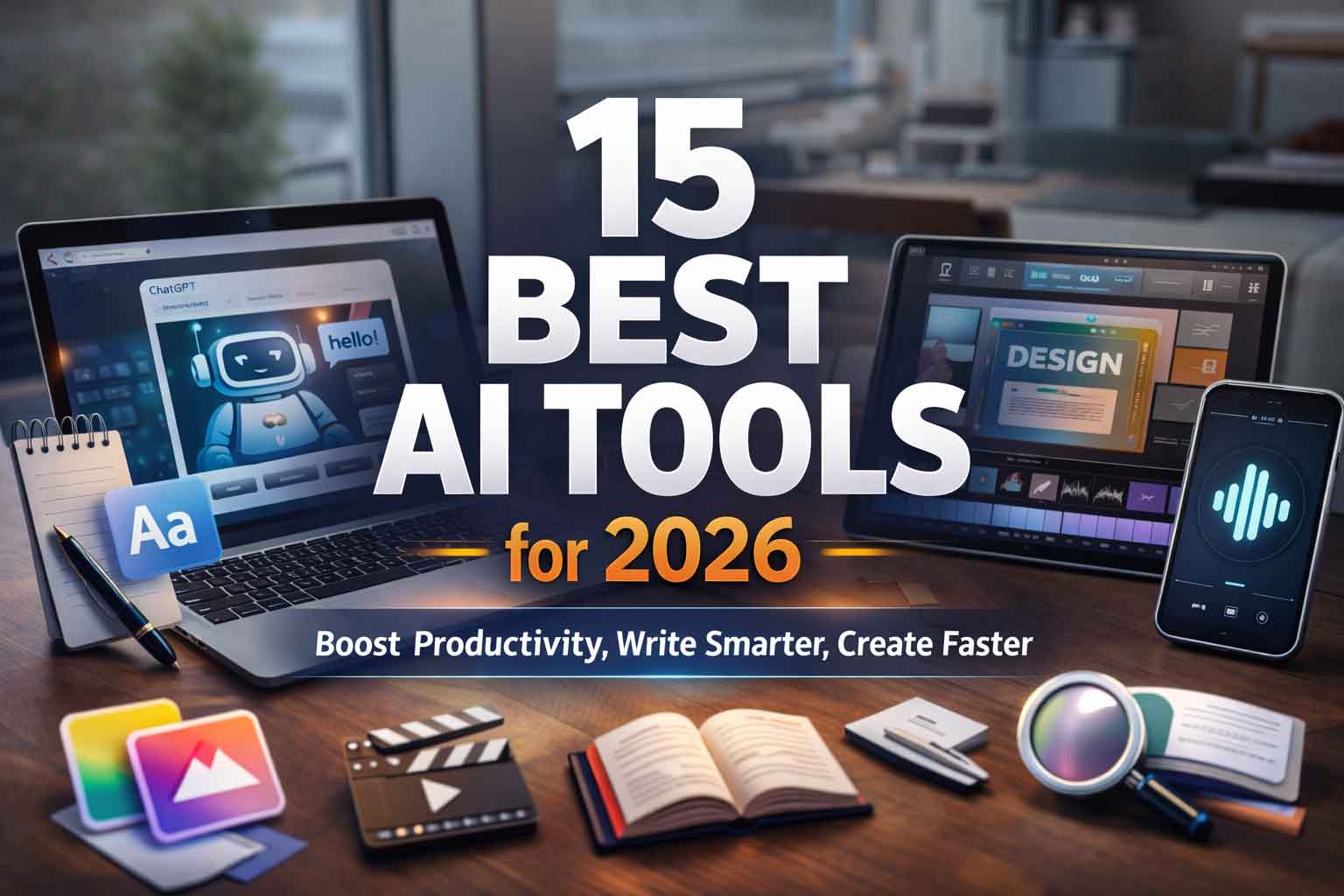
AI tools aren’t “nice-to-have” anymore, they’re a practical advantage. In 2026, the best tools don’t just generate text. They help you think faster, write cleaner, design better, edit video quicker, capture meeting notes automatically, and connect your apps so repetitive work disappears.
This guide gives you a curated list of 15 AI tools you can actually use every day, plus a simple way to choose the right stack without wasting time or money.
New to AI? Start with this beginner-friendly guide:
Prompt Engineering Basics (with examples).
What “best” means in this list
These tools were selected using 4 simple criteria:
- Daily usefulness (not just “cool demos”)
- Ease of use for beginners and busy professionals
- Output quality you can trust for real work
- Value (free plan usefulness + paid plan ROI)
Related:
AI Productivity Workflow: How to Use AI in 30 Minutes a Day
Quick navigation
1) AI chat assistants for everyday tasks
1. ChatGPT
Best for: brainstorming, writing, planning, learning, quick workflows
Use daily for: emails, blog outlines, captions, SOPs, checklists, scripts
Why it’s here: a strong “general-purpose” assistant you can use for almost anything.
Quick daily workflow: Ask it to produce: draft → improve tone → shorten → create checklist → next steps.
Try next:
10 Copy-Paste Prompts for Office Work
2. Google Gemini
Best for: people who use Google apps and want fast help with writing, summarizing, and ideation
Use daily for: content drafts, summaries, planning, and file-based work
Why it’s here: great fit if your day runs inside Google’s ecosystem.
Related:
Gemini vs ChatGPT: Which One Should You Use in 2026?
3. Microsoft 365 Copilot
Best for: Word/Excel/PowerPoint/Outlook/Teams users
Use daily for: email rewrites, slide drafts, meeting follow-ups, document summaries
Why it’s here: if you already pay for Microsoft 365, Copilot can be the fastest route to real productivity.
Helpful:
How to Create a PPT in 30 Minutes Using AI
4. Claude
Best for: careful writing, long documents, structured thinking
Use daily for: long-form blogs, policy drafts, tone polishing, clean structure
Why it’s here: excellent for calm, readable writing and long-format work.
Also read:
How to Write Long Blogs with AI Without Sounding Robotic
2) AI writing & editing tools (blogs, emails, proposals)
5. Grammarly
Best for: polishing business writing fast
Use daily for: error-free emails, LinkedIn posts, proposals, website copy
Why it’s here: it improves clarity and tone without making your writing feel “generated”.
Templates:
Professional Email Templates (Copy-Paste)
6. Notion AI
Best for: notes, tasks, SOPs, content calendars
Use daily for: turning messy notes into clean docs, summarizing, building checklists
Why it’s here: AI + workspace together = faster execution.
Use this with Notion:
Content Calendar Template (AI-Ready)
3) AI research & summarization tools (faster reading, better decisions)
7. Perplexity
Best for: research-style answers with sources
Use daily for: comparisons, tool research, market scanning, quick summaries
Why it’s here: it can compress hours of browsing into minutes.
Prompt pack:
AI Research Prompt Pack (High Accuracy)
8. NotebookLM
Best for: summarizing your own documents (notes, PDFs, study content)
Use daily for: extracting key points, Q&A from your content, study notes
Why it’s here: it’s designed around your files, not random web text.
How-to:
How to Summarize PDFs Using AI (Step-by-Step)
4) AI design & creative tools (social posts, banners, thumbnails)
9. Canva
Best for: social posts, posters, ads, thumbnails, banners
Use daily for: reels covers, YouTube thumbnails, offer creatives, quote posts
Why it’s here: templates + simple AI features = speed for non-designers.
Read:
YouTube Thumbnail Checklist (High CTR)
10. Midjourney
Best for: premium, cinematic images (branding visuals, hero art, thumbnails)
Use daily for: campaign concepts, brand visuals, creative variations
Why it’s here: strong image quality when you want a “premium look”.
Use this formula:
AI Image Prompt Formula (Works for Any Tool)
5) AI video tools (reels/shorts, editing, effects)
11. CapCut
Best for: quick short-form edits (Instagram Reels / YouTube Shorts)
Use daily for: captions, templates, fast edits, quick exports
Why it’s here: an easy “daily driver” for creators.
Plan:
Reels Content Plan: 30 Ideas + Script Prompts
12. Runway
Best for: advanced AI video enhancements and effects
Use daily for: background removal, stylized edits, creative experiments
Why it’s here: powerful features without needing heavy editing experience.
Guide:
Runway ML Guide for Beginners
13. Descript
Best for: editing talking videos and podcasts by editing text
Use daily for: removing filler words, captions, repurposing content
Why it’s here: makes editing feel like editing a document.
Repurpose:
Turn One Video into 10 Pieces of Content Using AI
6) AI voice tools (voiceovers, dubbing, clean audio)
14. ElevenLabs
Best for: natural voiceovers for videos, ads, explainers
Use daily for: reels voiceovers, narration, dubbing tests
Why it’s here: high-quality voices that sound less robotic.
Prompts:
Best AI Voiceover Prompts (Natural Tone)
7) AI meeting notes & action items
15. Otter.ai
Best for: meeting summaries, searchable notes, action items
Use daily for: turning calls into tasks and follow-ups
Why it’s here: it reduces “meeting memory loss” and keeps work moving.
Template:
Meeting Minutes Template (With Action Items)
Free vs paid: what’s worth paying for?
A simple rule that works:
Stay free if:
- You use AI occasionally (1–2 tasks/day)
- You’re still learning what you need
- You don’t need advanced limits or premium features
Go paid if:
- You use AI daily for business output (content, client work, admin)
- You need better limits, speed, and higher-quality outputs
- The tool saves even 3–5 hours/month (easy ROI for most professionals)
Also helpful:
How to Choose the Right AI Subscription Without Wasting Money
Best “tool stacks” (pick one)
Stack A: Student / learner
ChatGPT + NotebookLM + Grammarly
AI Study System for Students (Daily 30 Minutes)
Stack B: Job professional (emails + docs + meetings)
Microsoft 365 Copilot + Grammarly + Otter.ai
AI for Office Work: Daily Checklist
Stack C: Creator (blog + reels + YouTube)
ChatGPT + Canva + CapCut + ElevenLabs
Complete AI Content Workflow (Blog → Reel → Short)
Stack D: Small business owner (marketing + operations)
ChatGPT + Canva + Perplexity + automation
AI Marketing for Small Business: Step-by-Step
Data safety basics (important for work)
Avoid pasting:
- Passwords, OTPs, bank details
- Confidential client contracts
- Proprietary company data (unless you use enterprise-safe tools)
Checklist:
AI Privacy Checklist for Business Owners
10 copy-paste prompts you can use daily
- Email rewrite (professional, short):
Rewrite this email to sound professional, friendly, and clear in under 120 words: [paste] - Meeting notes → action items:
Convert these notes into: summary + decisions + action items with owners and deadlines: [paste] - Blog outline (SEO-friendly):
Create an SEO blog outline for: [topic]. Include title options, meta description, and H2/H3 structure. - Social post pack (7 posts):
Create 7 short posts for [business type] about [offer]. Include one CTA per post and keep them simple. - WhatsApp reply templates:
Write 12 WhatsApp replies for [business] inquiries: price, location, timing, booking, discount, delivery, refund. - Offer creative text (poster):
Write 5 headline options + 5 subheadlines + 3 CTAs for this offer: [details]. - Client proposal draft:
Create a 1-page proposal for [service] including scope, timeline, deliverables, and pricing table. - Competitor scan:
List key competitors for [business type] in [city]. Identify 10 differentiators and opportunities. - SOP creation:
Create a step-by-step SOP for: [task]. Include tools needed, quality checklist, and common mistakes. - Daily plan (time-boxed):
Plan my next 2 hours with 25-minute focus blocks for these tasks: [list]. Output as a schedule.
More:
50 High-Impact Prompts for Business and Creators
Start with 3 tools (7-day adoption plan)
- Day 1: Pick your main assistant (ChatGPT / Gemini / Copilot)
- Day 2: Add writing polish (Grammarly)
- Day 3: Add research support (Perplexity or NotebookLM)
- Day 4: Add design tool (Canva) if you publish anything
- Day 5: Add video tool (CapCut) if you do reels/shorts
- Day 6: Add meeting tool (Otter.ai) if you do calls
- Day 7: Automate one repetitive task (below)
Plan:
7-Day AI Starter Plan (Exact Daily Tasks)
One automation idea that saves real time
If you do content or lead handling, automate a simple pipeline:
Form/WhatsApp inquiry → Google Sheet → auto reply → reminder → follow-up template
Full guide:
Simple Automation for Small Business (No Coding)
Closing: the real win in 2026
The best AI tool is the one you use every day. Pick 3 tools, master them, and only then expand.
Free download: AI Tools Checklist PDF
Read next: AI Tools That Can Change Your Life
Note: Tool features and pricing can change. Always check the official website for the latest details.