AI Comparison • 2026
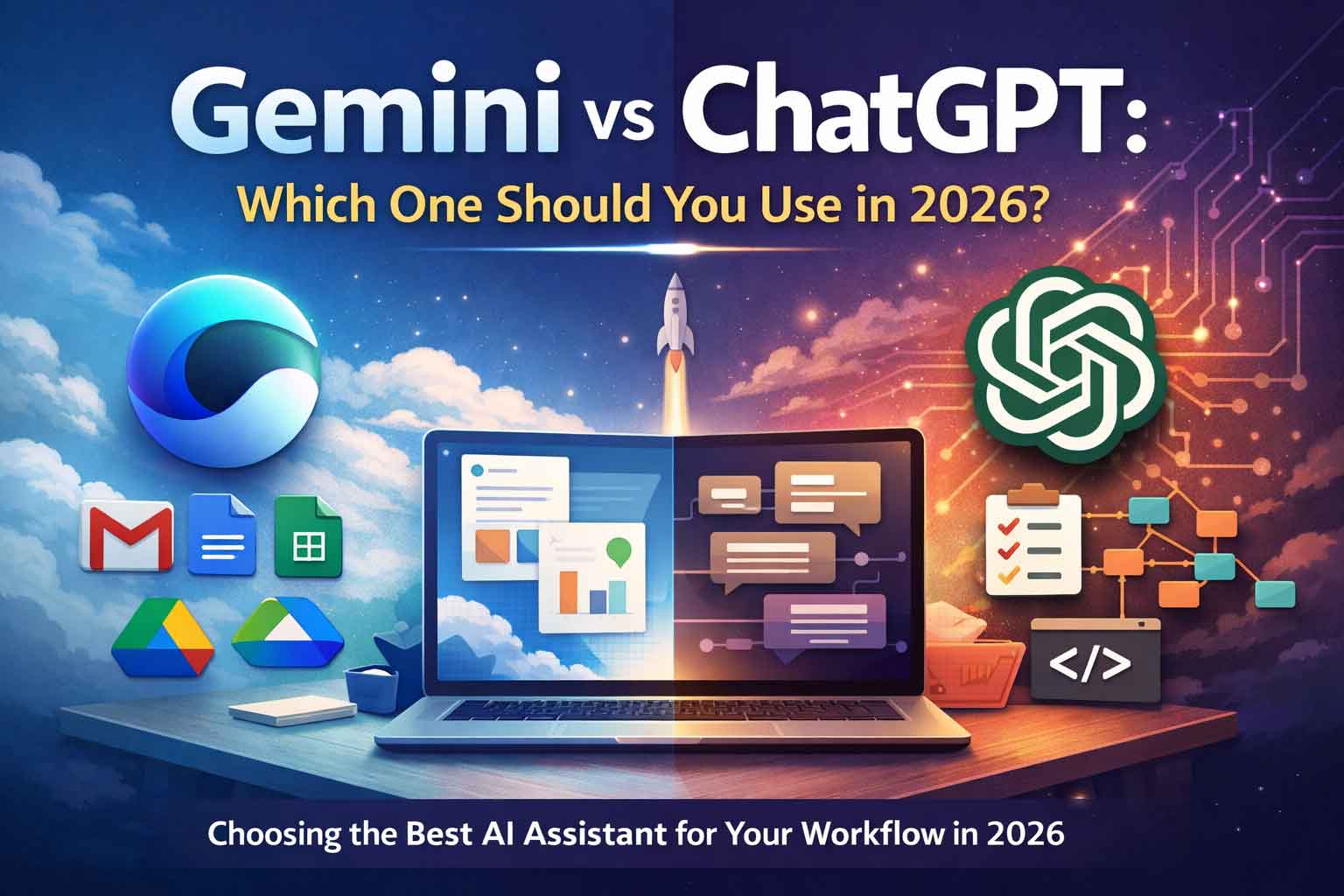
Gemini vs ChatGPT: Which One Should You Use in 2026?
In 2026, the right choice isn’t about which AI is “smarter” in general. It’s about where you do your work and how AI fits into your workflow.
In 2026, the Gemini and ChatGPT question isn’t a simple feature checklist. Both can write, summarize, and help you think.
The real difference is how they help and where they plug into your work.
If you live in Google apps (Gmail, Docs, Sheets, Drive), Gemini often feels more “native.”
If you want deeper reasoning, repeatable workflows, and custom assistants, ChatGPT often feels more “system-first.”
What “best” means in 2026 (and why many people use both)
Most professionals don’t use one AI for everything anymore. They use one as a main assistant and the other as a specialist,
depending on the task. In practice, “best” means less friction: fewer tabs, fewer copy-pastes, faster drafts, faster analysis,
and cleaner outputs that match your standards.
Gemini in 2026: where it’s strongest
Gemini’s biggest advantage is how naturally it fits into the Google ecosystem. If your work happens inside Google apps,
Gemini can reduce the time you spend moving information between tools.
Works inside your Google workflow
Gemini is designed for common “email → document → spreadsheet” work. It helps you write, summarize, and extract information
while staying in the file or inbox you’re already using.
Efficient for daily execution
Gemini tends to shine when you want fast, practical output with minimal setup: drafting emails, summarizing content,
and moving from notes to usable documents quickly.
Bundling can matter
Gemini subscription plans often bundle AI features with storage and related tools. If you already pay for cloud storage
or rely on Google services daily, bundling can improve the overall value.
ChatGPT in 2026: where it’s strongest
ChatGPT’s advantage is breadth and workflow depth. It’s not only for quick answers, but also for deeper projects,
structured research, and repeatable systems you can reuse.
Built for projects and deep work
ChatGPT is increasingly used as a productivity hub where you plan, reason, research, and build multi-step outputs with consistency.
This is especially useful for strategy, complex writing, analysis, and coding-style problem solving.
Custom assistants for repeatable tasks
If you do repeatable work—SEO briefs, content workflows, proposal templates, SOPs, formatting checklists—custom assistants
can turn good prompting into a reusable system.
The real decision: choose based on your workflow
Instead of debating features in the abstract, start with one question:
Where do you do most of your work?
Choose Gemini if your work is Google-first
If your day is built around Gmail, Docs, Sheets, Drive, and meetings, Gemini’s tight integration is often the most time-saving
advantage. It reduces context switching and helps you move from information to action without leaving your tools.
Choose ChatGPT if your work is system-first
If your priority is building repeatable workflows—research pipelines, content systems, client delivery templates, coding support,
or multi-step project work—ChatGPT’s project-based approach and custom assistant ecosystem often fit better.
A clear 2026 recommendation
If you want one tool, choose the one that matches your dominant environment. Most Google Workspace users will be happiest starting
with Gemini. Most creators, marketers, founders, and builders who want reusable systems will be happiest starting with ChatGPT.
If you’re comfortable using both, a practical setup is to use Gemini for inbox, docs, and sheets execution, while using ChatGPT
for strategy, deeper thinking, and reusable systems.
Pricing notes that matter in 2026
Pricing and plan details can change, so always verify current tiers before subscribing. In general, both platforms offer free access
and paid tiers that unlock higher limits and advanced capabilities. The right plan depends on how heavily you use AI and how mission-critical
it is to your work.
FAQ
Is Gemini better than ChatGPT in 2026?
Gemini can be the better choice if you mainly work inside Google apps and want AI embedded directly into that workflow.
ChatGPT can be the better choice if you need deeper workflows, reusable custom assistants, and project-based organization
for complex work.
Which is better for students in 2026?
If your schoolwork is mostly in Google Docs and Drive, Gemini’s integration can be helpful. If you need deeper explanations,
structured study support, and reusable tutoring-style workflows, ChatGPT may be a stronger fit.
Which is better for business work?
For Google-centric businesses, Gemini can reduce operational friction. For businesses building repeatable processes—SOPs, content systems,
proposal frameworks, or internal assistants—ChatGPT’s custom assistant ecosystem can be a strong advantage.
Do I need to pay for the best experience?
Often yes. Paid tiers typically unlock higher limits and advanced capabilities. The best approach is to test your real workload on both
and upgrade only when you clearly feel the limits of the free tier.