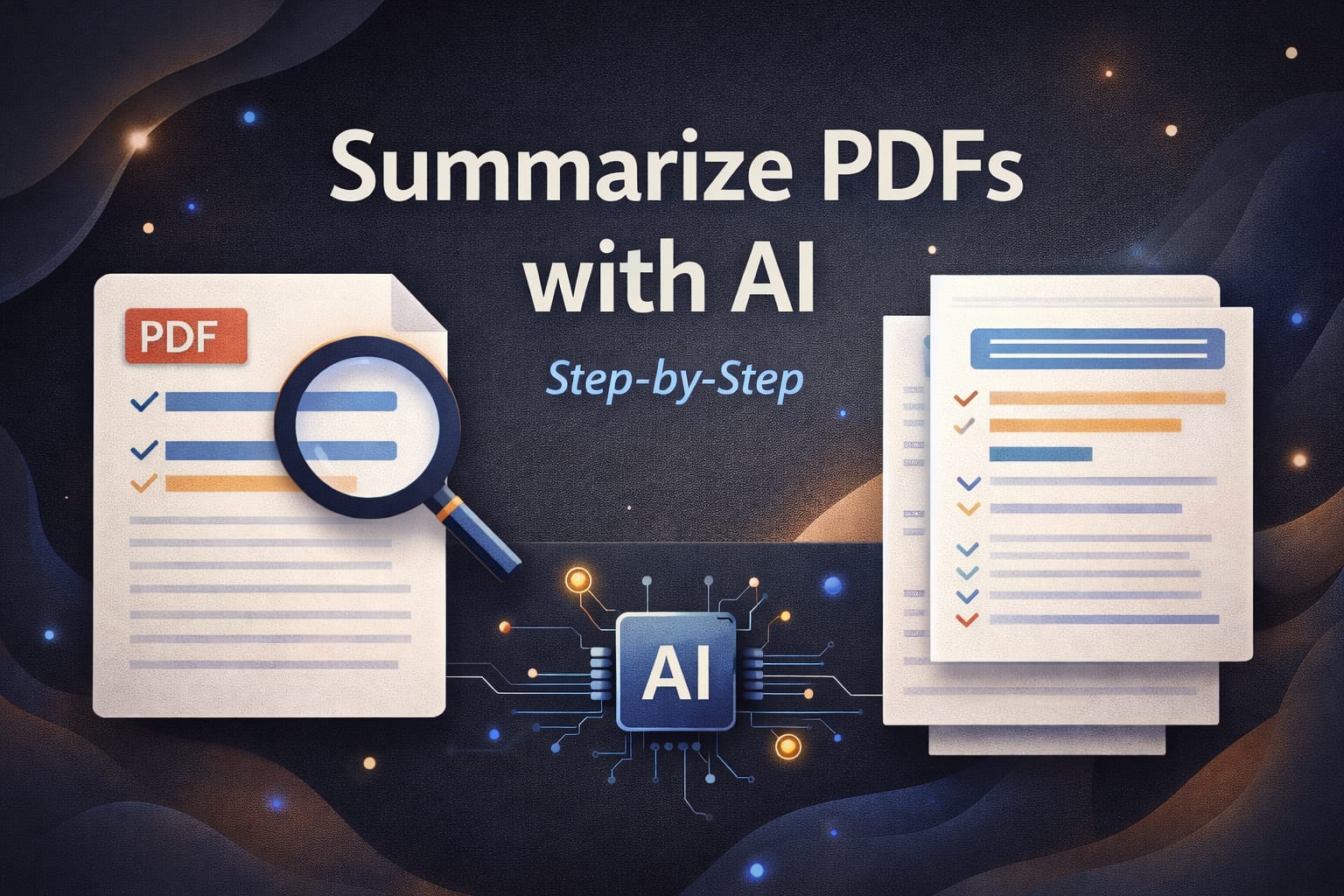
How to Summarize PDFs Using AI

Productivity • AI Tools • PDF How to Summarize PDFs Using AI (Step-by-Step) Summarizing a long PDF doesn’t need to take hours. With AI, you can extract key points, build clean notes, and understand the document faster if you follow a simple process that keeps accuracy high. Best for: students + professionals Works for: reports, books, research Outcome: clear notes in minutes PDFs are everywhere bank statements, business reports, training manuals, research papers, and long eBooks. The problem is that most PDFs are dense. Even when the writing is good,…
prompts for Perplexity that boost research accuracy

Research • Prompts • High Accuracy High-Accuracy AI Research Prompt Pack for Perplexity If your research needs to be trustworthy, the prompt matters more than the model. This pack forces better sources, clearer assumptions, and cleaner outputs—without sounding robotic or vague. Best for: blogs, reports, business decisions Goal: high accuracy + citations Use: copy-paste prompts AI research becomes unreliable for one simple reason: people ask for “answers” instead of asking for “evidence.” When you push Perplexity to behave like a careful analyst—cite sources, show uncertainty, and separate facts from assumptions—…

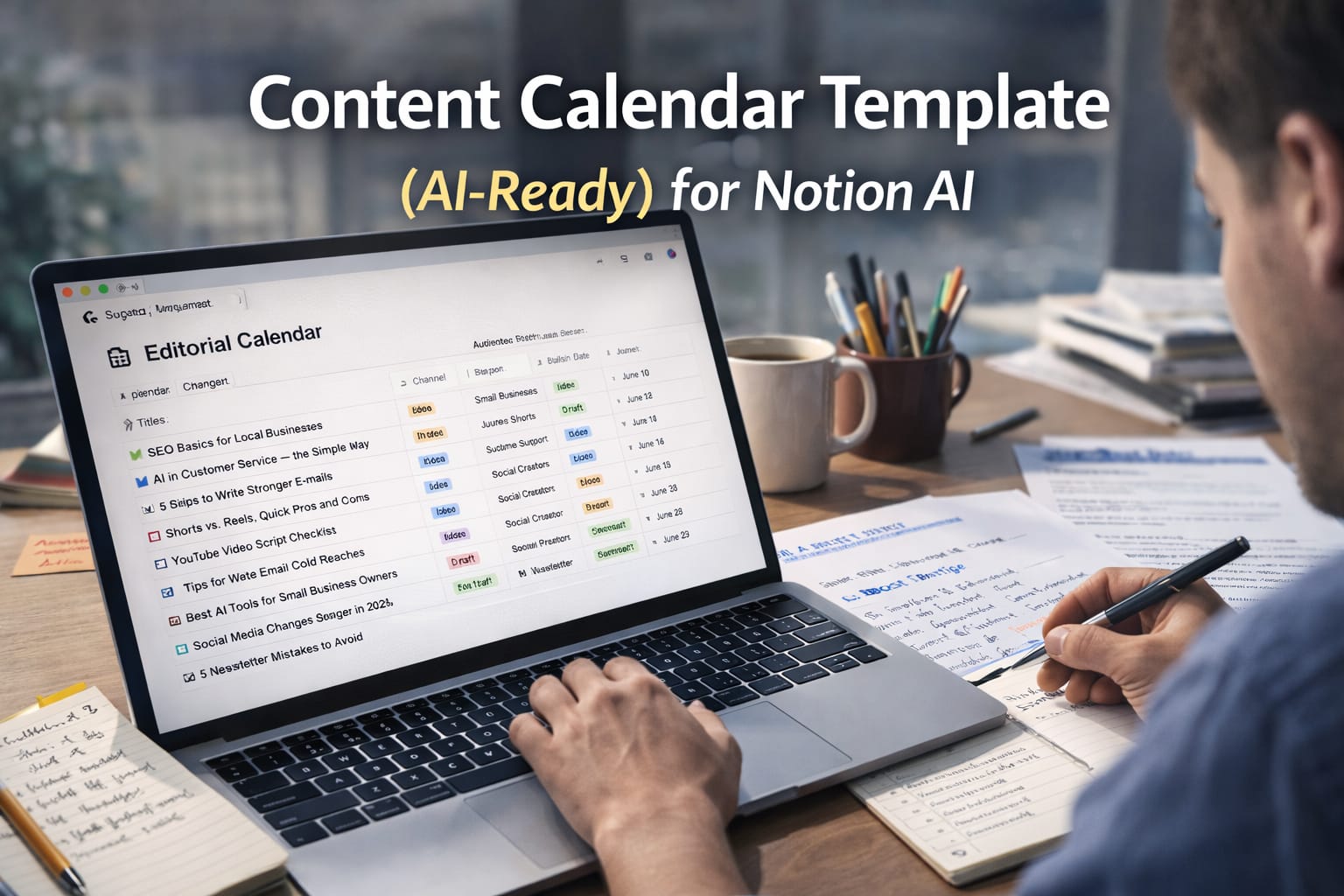
Content Calendar Template (AI-Ready)

Content Planning • Notion AI • 2026 Content Calendar Template (AI-Ready) for Notion AI A good content calendar is more than dates and titles. In 2026, the best calendars are “AI-ready”: they store the right context so Notion AI can generate ideas, briefs, outlines, and drafts that actually match your brand. Best for: Blogs, shorts, reels, newsletters Works with: Notion + Notion AI Goal: Plan + draft faster If you’ve ever tried to stay consistent with content, you already know the real problem: it’s not writing a post once. It’s…

Professional Email Templates

Communication • Templates • 2026 Professional Email Templates (Copy-Paste) That Don’t Sound Robotic Most “professional templates” feel cold, generic, and unnatural. These are different: short sentences, clear intent, polite tone, and grammar-friendly wording you can copy and send today. Includes: 15+ templates Best for: Work, clients, hiring Style: Human + clean A professional email doesn’t need big words. It needs clarity. The fastest way to sound confident is to write like a real person: say what you want, give the context, and make the next step obvious. Below are templates…

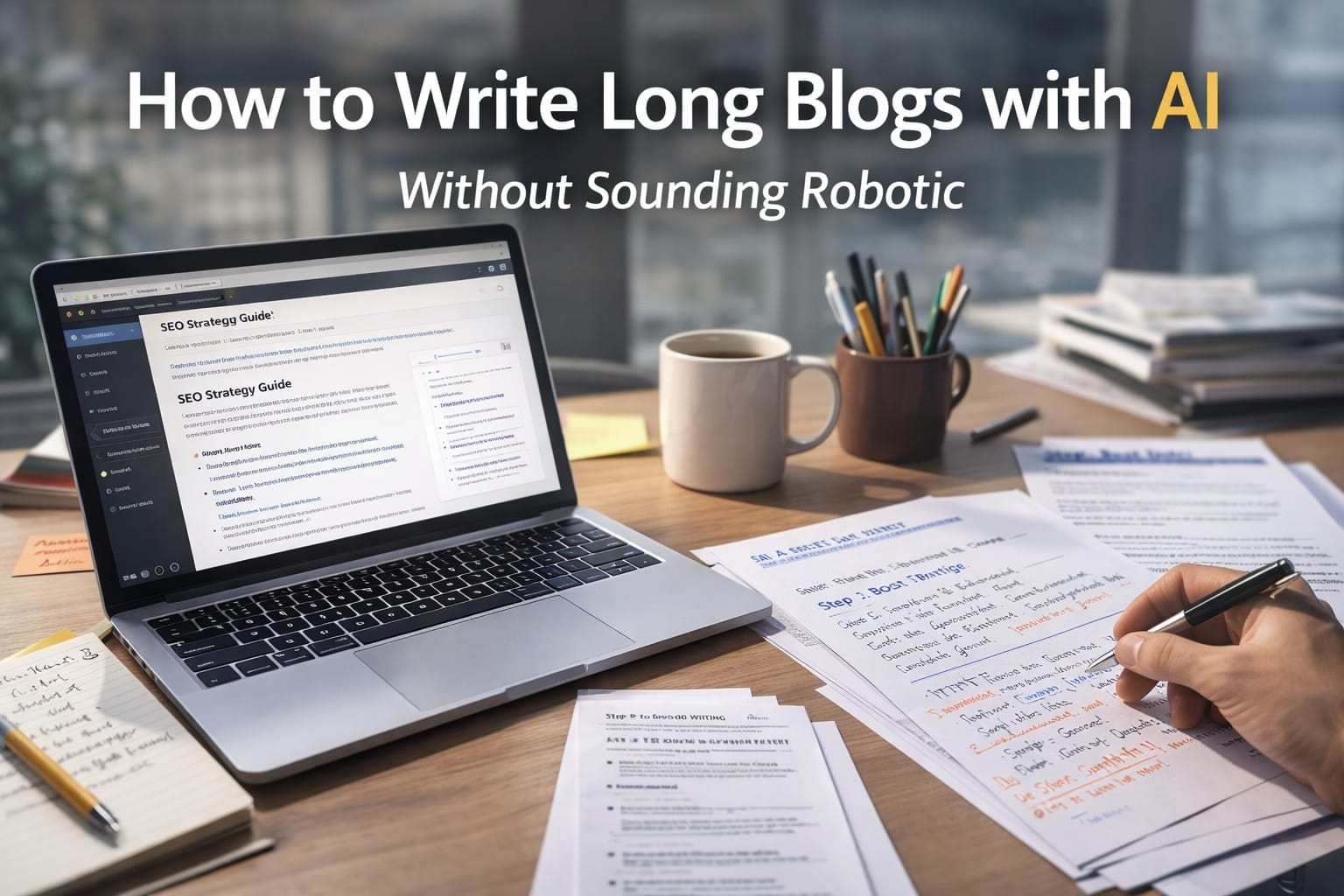
How to Write Long Blogs with AI Without Sounding Robotic (2026)

Content Writing • AI Workflow • 2026 How to Write Long Blogs with AI Without Sounding Robotic AI can help you write faster, but “fast” often turns into flat, repetitive text. This guide shows how to use AI as a drafting engine while keeping your voice human, confident, and natural. Best for: 1,500–4,000 word blogs Goal: Human tone + strong SEO Skill: Beginner-friendly Long-form blogs are still one of the best assets you can publish. They earn search traffic, build trust, and can convert readers into leads for months or…

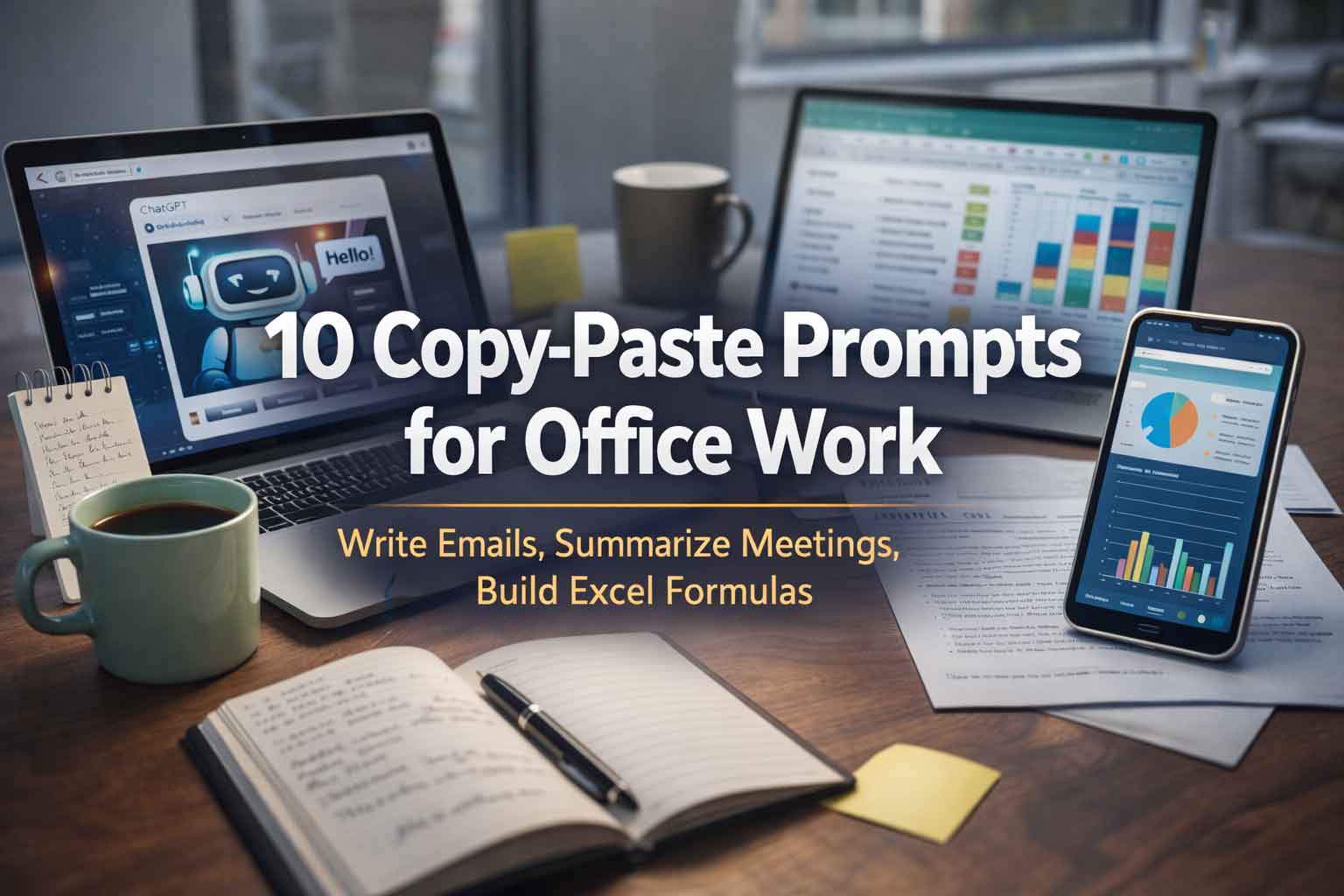
10 Copy-Paste Prompts for Office Work (Emails, Reports, Meetings, Excel)

Copy-paste AI prompts for office work

Want faster office work without sounding robotic? These prompts are designed for real daily tasks, emails, meeting notes, reports, Excel formulas, presentations, and planning. Copy, paste, edit the bracket parts, and you’ll save time immediately. Works with: ChatGPT, Google Gemini, Microsoft 365 Copilot and most other AI assistants. Tip: If you want more accurate results, paste 2 things: (1) your draft content and (2) the outcome you want. Then tell the AI: “Ask me 3 questions if anything is unclear.” Related on ThinkBotHub: Prompt Engineering Basics (with examples) AI Productivity…

Happy New Year 2026: The Ultimate Gemini Prompt Guide to Create Magical AI New Year Images

The New Year is one of the few moments when everyone is actively looking for something fresh—new greetings, new visuals, new social posts, and new ways to celebrate online. If you are using Google Gemini (or any Gemini-powered image generator), you can create stunning “Happy New Year 2026” images in minutes—without design skills—simply by using the right prompts. Why “Happy New Year 2026” AI Images Are Trending Right Now Search behavior spikes every year for New Year wishes, greeting cards, WhatsApp status images, Instagram posts, and business banners. In 2026,…

Restoring Memories: How to Rectify Defective Photos with AI Prompts

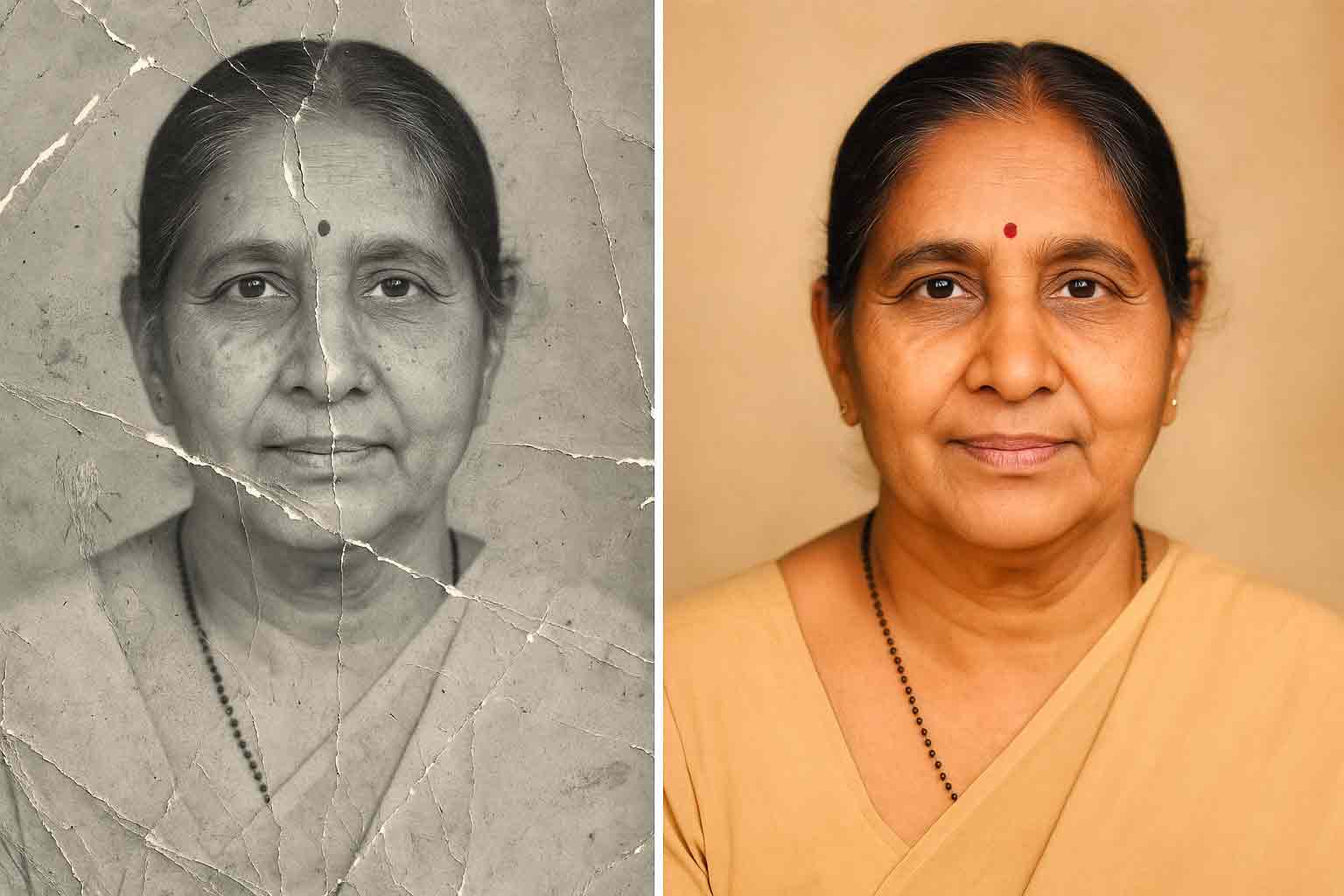
reapair photo

Old photos carry memories that are priceless. Unfortunately, many of them fade, crack, or gather scratches over time. Traditional photo restoration required painstaking manual retouching, often handled by professional artists who spent hours repairing each image pixel by pixel. With artificial intelligence, that process is now faster, more accessible, and more accurate. By using upload-image editing tools with carefully written prompts, you can restore defective photos and give them a second life. The Power of AI Restoration Artificial intelligence can analyze damage and intelligently fill in missing details. Platforms such…

Bringing Memories to Life: How to Colorize Black & White Photos Using AI Prompts

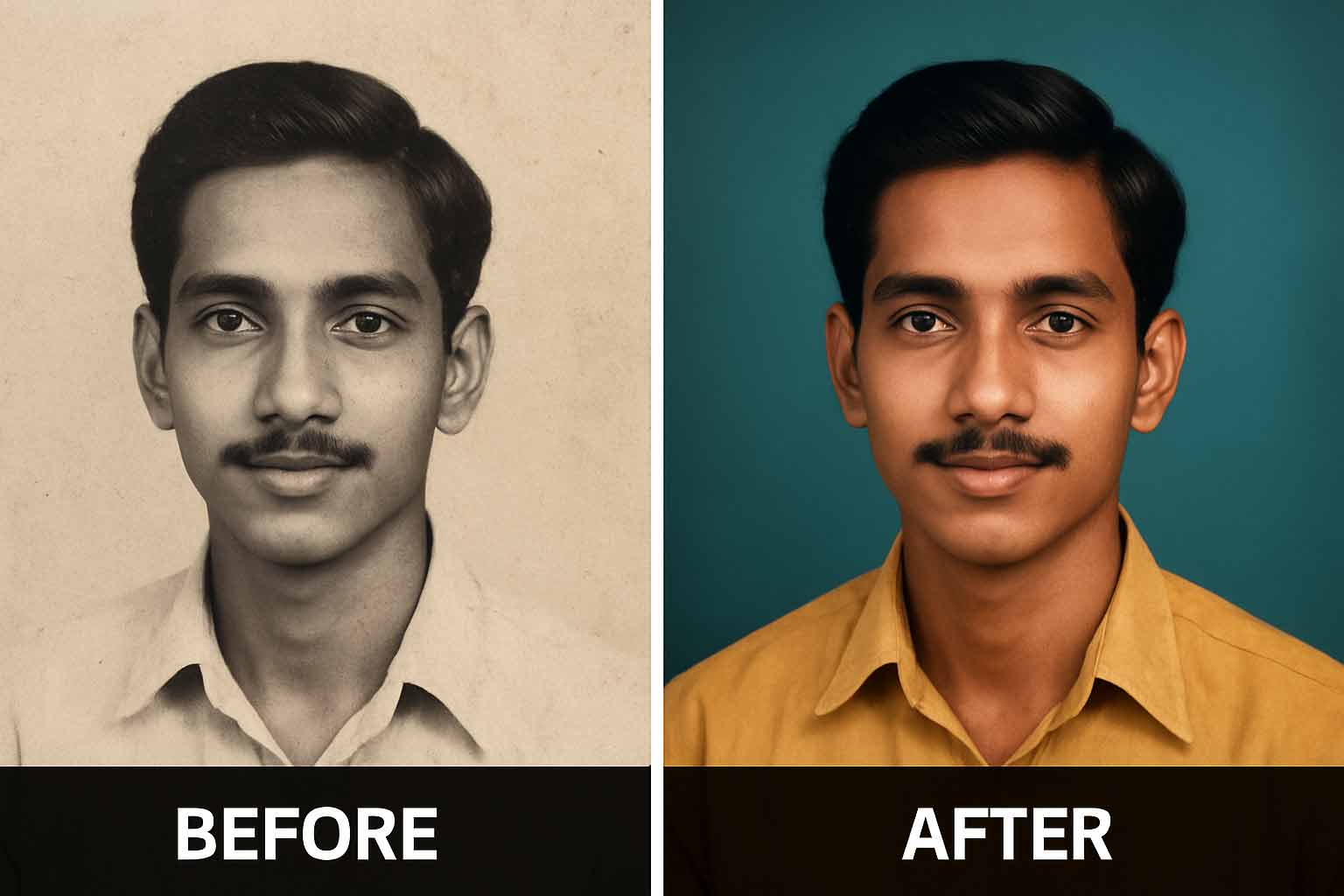
b&w to colour

Black and white photographs carry a timeless charm, yet many of us want to see those moments in the vivid tones they once held. For years, colorization required painstaking manual work. Modern artificial intelligence changes that completely. With a single upload and a well-written prompt, you can transform a monochrome image into a lifelike color photograph that retains its original soul. Why the Prompt Matters AI editors such as Stable Diffusion, Photoshop Generative Fill, and DeOldify respond to natural language instructions. A precise prompt tells the model to respect skin…

Transform Bald Portraits with AI: The Perfect Prompt for Adding Realistic Hair

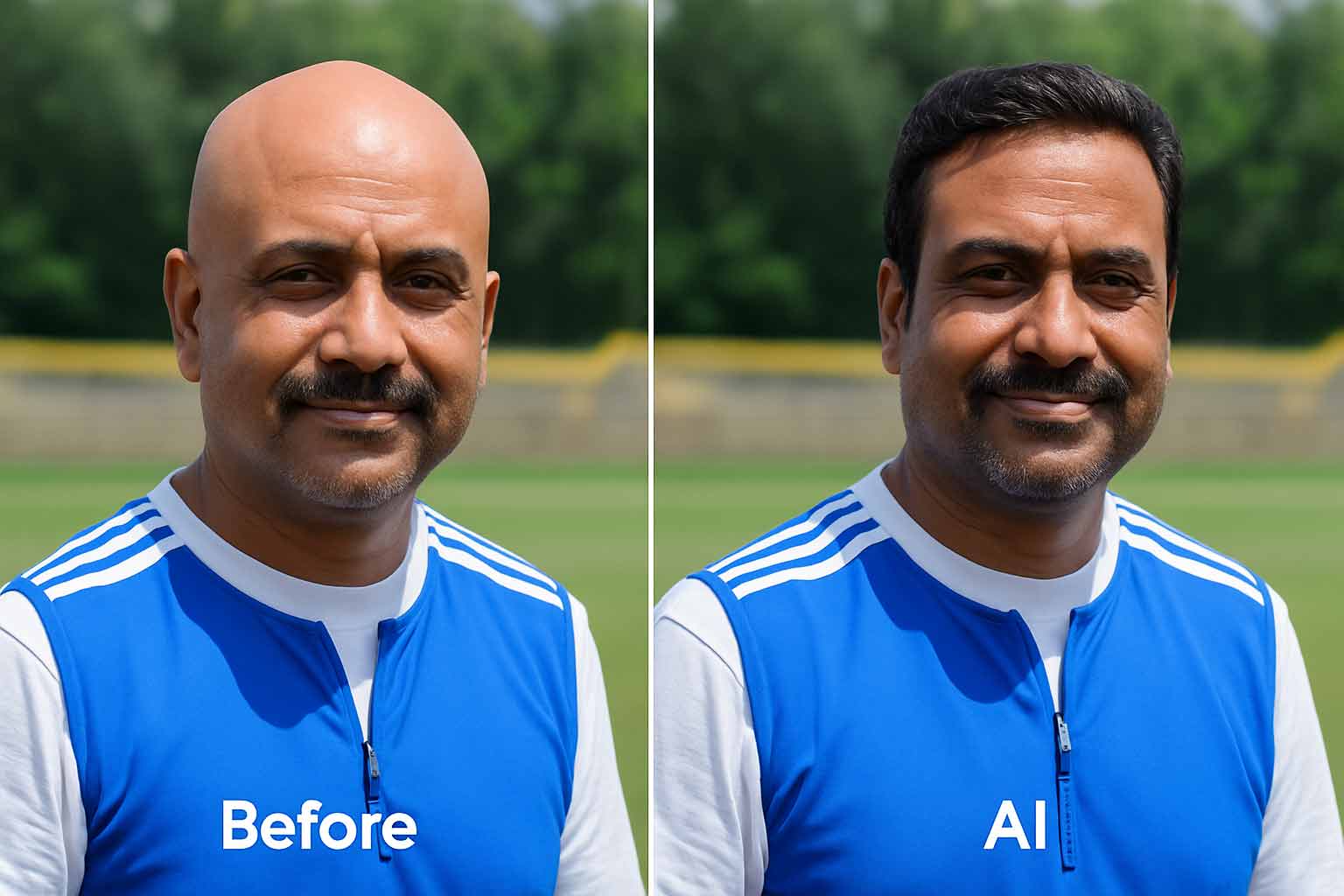
hair on bald

Hair shapes identity and style, which is why digitally restoring or adding hair has become a popular use of AI. With modern tools, you can start from a bald portrait and create a realistic version that shows natural, well-groomed hair in seconds. The secret is a carefully written prompt that protects facial details, matches lighting, and blends the new hair seamlessly with the scalp. The Role of the Prompt Editors such as Stable Diffusion, Photoshop Generative Fill, and Runway ML accept natural language instructions. When the prompt is specific about…