How to Summarize PDFs Using AI

Productivity • AI Tools • PDF How to Summarize PDFs Using AI (Step-by-Step) Summarizing a long PDF doesn’t need to take hours. With AI, you can extract key points, build clean notes, and understand the document faster if you follow a simple process that keeps accuracy high. Best for: students + professionals Works for: reports, books, research Outcome: clear notes in minutes PDFs are everywhere bank statements, business reports, training manuals, research papers, and long eBooks. The problem is that most PDFs are dense. Even when the writing is good,…
YouTube Thumbnail Checklist for High CTR in Canva

YouTube • Design • Canva YouTube Thumbnail Checklist for High CTR in Canva A thumbnail isn’t decoration. It’s a decision button. This simple Canva-friendly checklist helps you design thumbnails that look clear on mobile, stand out in a crowded feed, and earn better clicks without looking messy. Best for: any YouTube channel Goal: higher CTR Tool: Canva People don’t “browse” YouTube thumbnails. They scan. Your thumbnail and title have about one second to answer one question: Is this worth my click? The good news is that high-CTR thumbnails usually follow…

Content Calendar Template (AI-Ready)

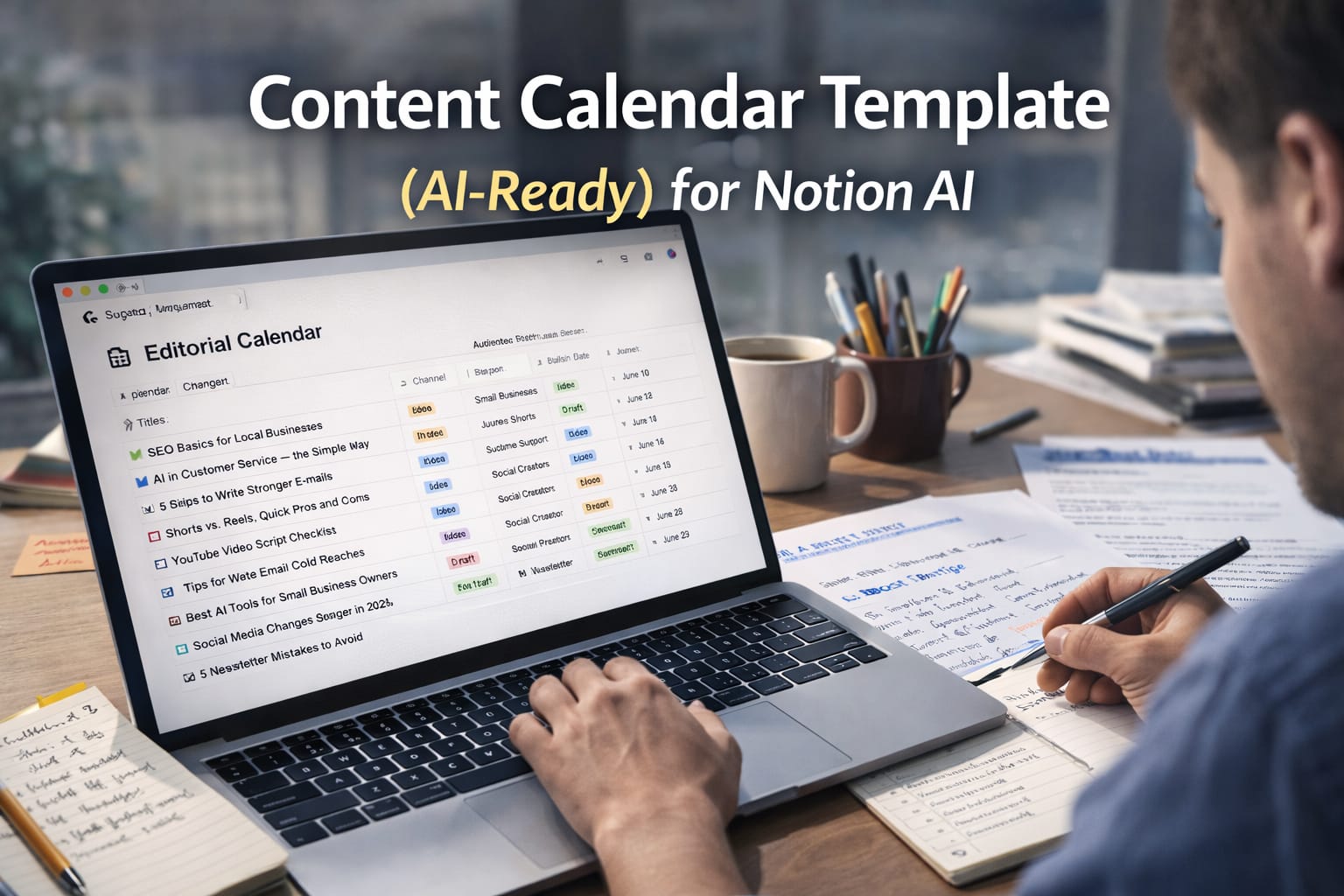
Content Planning • Notion AI • 2026 Content Calendar Template (AI-Ready) for Notion AI A good content calendar is more than dates and titles. In 2026, the best calendars are “AI-ready”: they store the right context so Notion AI can generate ideas, briefs, outlines, and drafts that actually match your brand. Best for: Blogs, shorts, reels, newsletters Works with: Notion + Notion AI Goal: Plan + draft faster If you’ve ever tried to stay consistent with content, you already know the real problem: it’s not writing a post once. It’s…

Professional Email Templates

Communication • Templates • 2026 Professional Email Templates (Copy-Paste) That Don’t Sound Robotic Most “professional templates” feel cold, generic, and unnatural. These are different: short sentences, clear intent, polite tone, and grammar-friendly wording you can copy and send today. Includes: 15+ templates Best for: Work, clients, hiring Style: Human + clean A professional email doesn’t need big words. It needs clarity. The fastest way to sound confident is to write like a real person: say what you want, give the context, and make the next step obvious. Below are templates…

How to Write Long Blogs with AI Without Sounding Robotic (2026)

Content Writing • AI Workflow • 2026 How to Write Long Blogs with AI Without Sounding Robotic AI can help you write faster, but “fast” often turns into flat, repetitive text. This guide shows how to use AI as a drafting engine while keeping your voice human, confident, and natural. Best for: 1,500–4,000 word blogs Goal: Human tone + strong SEO Skill: Beginner-friendly Long-form blogs are still one of the best assets you can publish. They earn search traffic, build trust, and can convert readers into leads for months or…

How to Create a PPT in 30 Minutes Using AI

ppt in 30 min

Presentations • AI Workflow • 2026 How to Create a PPT in 30 Minutes Using AI You don’t need hours of formatting to make a clean, professional deck. In 2026, the fastest path is: define the message, generate a draft with AI, then polish like a human editor. Time: 30 minutes Best for: Meetings, pitches, training Tools: PowerPoint / Slides / Canva The biggest mistake people make with AI presentations is asking the tool to “make a PPT” without giving it a clear audience, outcome, and structure. When you do…

10 Copy-Paste Prompts for Office Work (Emails, Reports, Meetings, Excel)

Copy-paste AI prompts for office work

Want faster office work without sounding robotic? These prompts are designed for real daily tasks, emails, meeting notes, reports, Excel formulas, presentations, and planning. Copy, paste, edit the bracket parts, and you’ll save time immediately. Works with: ChatGPT, Google Gemini, Microsoft 365 Copilot and most other AI assistants. Tip: If you want more accurate results, paste 2 things: (1) your draft content and (2) the outcome you want. Then tell the AI: “Ask me 3 questions if anything is unclear.” Related on ThinkBotHub: Prompt Engineering Basics (with examples) AI Productivity…

From Script to Reel: Make a 60-Second AI Vlog with ChatGPT + Gemini

make reels

ChatGPT + Gemini This hands-on tutorial shows you how to turn one idea into a short, polished video using ChatGPT for the script and Google Gemini for visuals, voice, and assembly. The workflow is simple, repeatable, and designed for global readers. You will plan the idea, write a natural spoken script, create or restyle your avatar, animate the delivery, add captions and background, and export in the correct sizes for YouTube Shorts, Instagram Reels, and TikTok, without a studio. Step 1 — Lock the idea and audience Start with one…

AI Avatar Vlogger: How to Create Virtual Influencers with ChatGPT and Google Gemini

Avatar

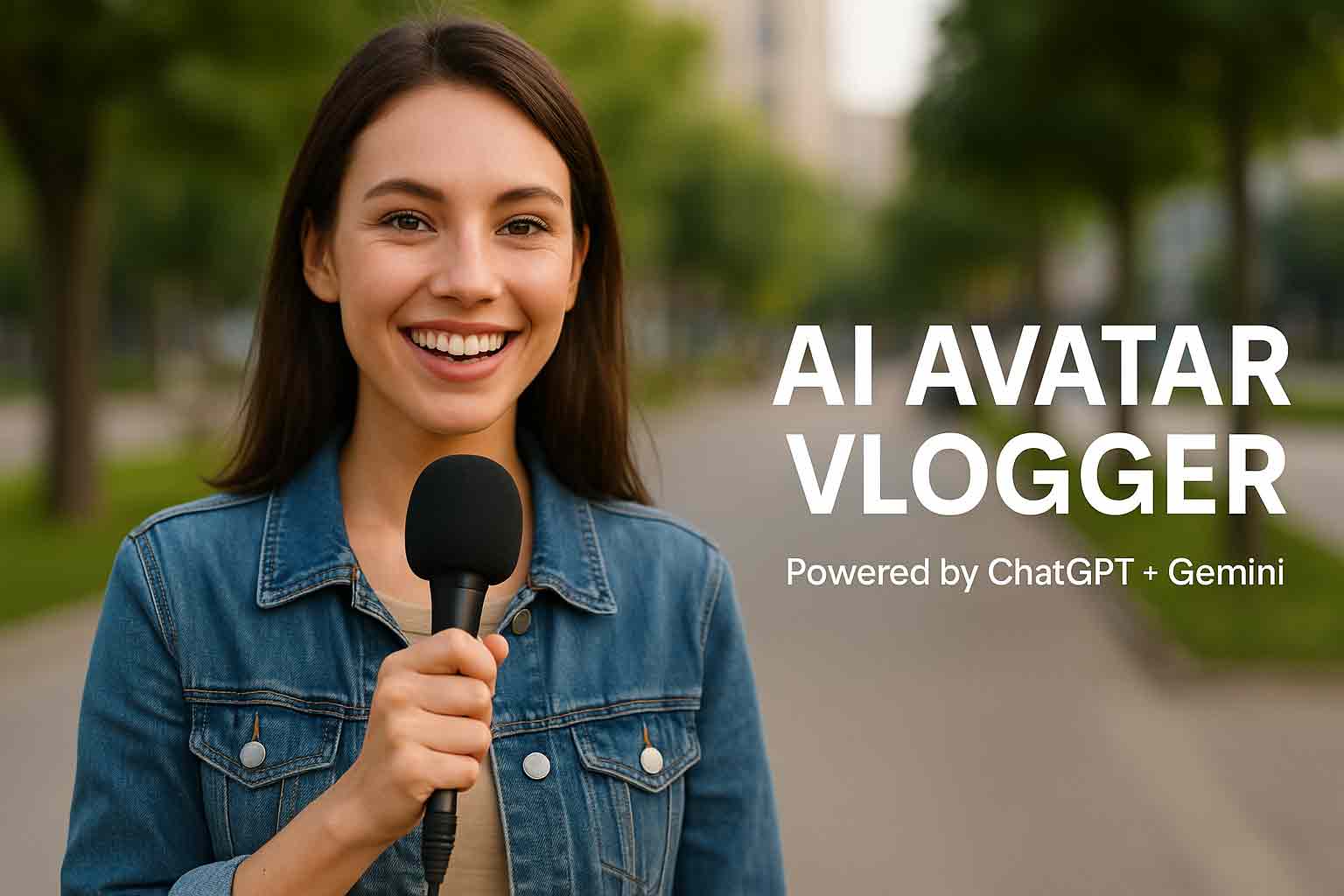
AI Avatar Vlogger: How to Create Virtual Influencers with ChatGPT and Google Gemini AI avatar vloggers are rising fast on YouTube, TikTok, and Instagram. They look real, speak clearly, and can publish every day. If you want consistency, multiple language versions, or a brand-safe on-camera host, an AI avatar is a practical solution. This guide shows a complete workflow that uses ChatGPT for planning and scripts and Google Gemini for visuals, voice, and assembly—so you can move from idea to published video smoothly. What an AI avatar vlogger is—and why…

Create a Figurine Desk Scene with Google Gemini

Retro image

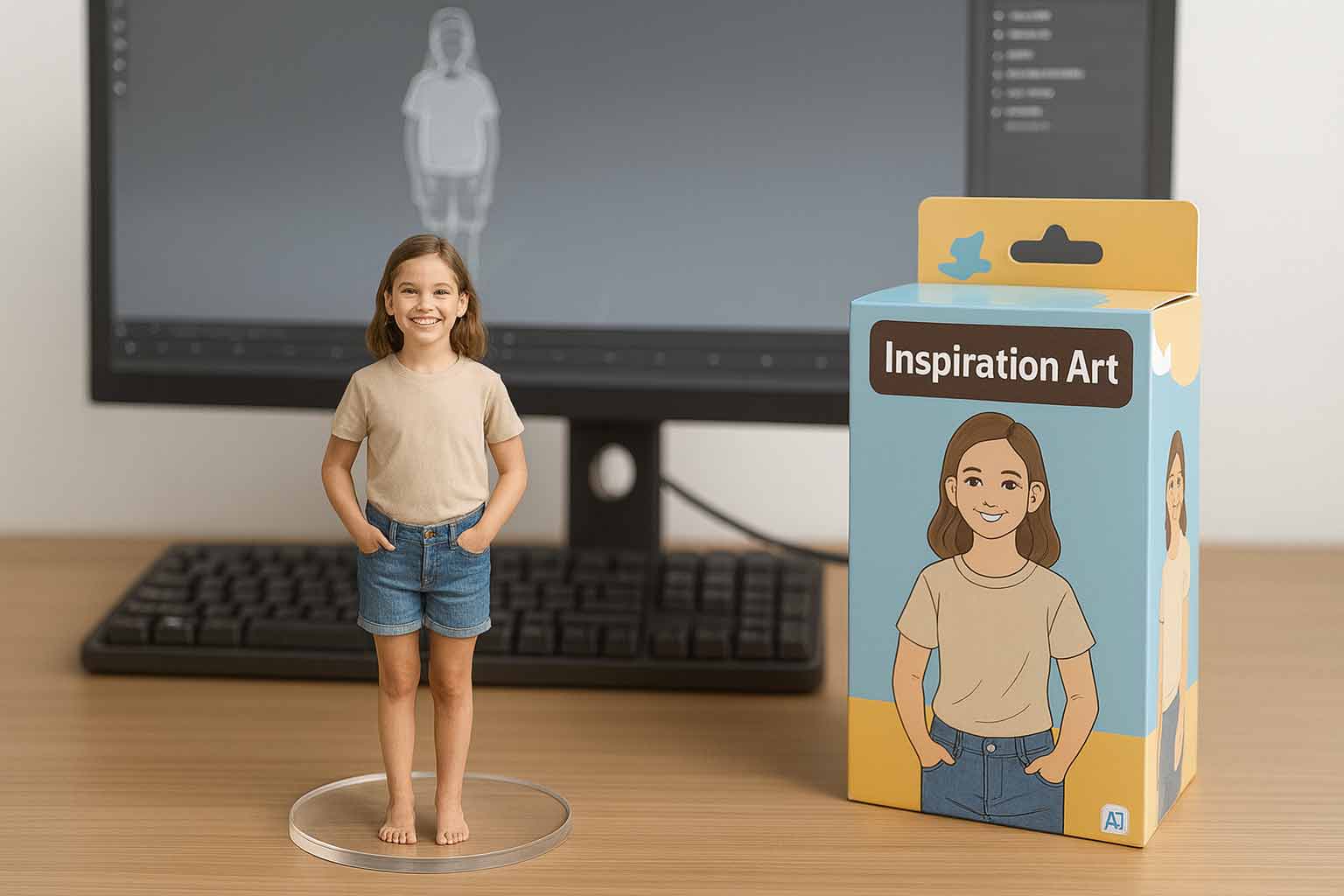
Create a Figurine Desk Scene with Google Gemini In this tutorial you’ll learn how to turn a single subject into a photorealistic “figurine + box + wireframe” desk scene using Google Gemini’s new image features. We’ll work in clear steps and keep the language simple. At the end, you’ll also get copy-paste prompts shown in a different font so you can spot them quickly. Example output: single subject as a mini figurine with packaging and 3D wireframe behind. What you’re creating Picture a wooden desk under soft daylight. At the…